Author: Huang Publish Time: 03-04-2026 Origin: Site


If you’re specifying LED stadium lighting for HDTV broadcast, “bright enough” isn’t the hard part. The hard part is avoiding camera banding, rolling artifacts, and stroboscopic effects—especially when dimming, running on generators, or mixing fixtures across batches.
This FAQ is written for decision-stage buyers (distributors, project teams, and procurement) who need a spec-ready way to set flicker requirements, verify them, and reduce installation risk.

“Flicker-free” should mean you can run your cameras at your target frame rate + shutter (and expected dimming levels) without visible banding or strobing, and your measured light modulation is low enough to avoid temporal light artifacts.
For procurement, don’t accept “flicker-free” as a marketing label. Specify measured metrics (percent flicker/modulation, or PstLM/SVM) and require a test method.

Ask for percent flicker (modulation depth) at the key frequencies and operating modes (full power + dimming), and add PstLM / SVM if you want a standard-style pass/fail language.
Percent flicker / modulation depth: a straightforward amplitude measure. It’s easy to compare across vendors when the test setup is consistent.
PstLM: used for low-frequency flicker evaluation in standards; often referenced with a limit of PstLM ≤ 1.0 in common guidance (see discussion in PstLM and SVM metrics (IEC TR 61547-1 / IEC TR 63158) and example limits).
SVM: targets stroboscopic visibility at higher frequencies; some guidance references limits such as SVM ≤ 1.6 (and stricter values in other regimes), again summarized in the same uPowerTek overview.
If your primary risk is camera banding (broadcast), you still need a camera-based acceptance test in addition to the numbers.

IEEE 1789 is often used as a practical reference because it connects flicker frequency with a recommended maximum percent flicker (modulation).
A commonly used interpretation expresses two threshold lines:
Low-risk region: percent flicker ≤ 0.08 × frequency (Hz)
No observable effect region: percent flicker ≤ 0.033 × frequency (Hz)
At 120 Hz, those lines translate to about 9.6% (low-risk) and about 4% (no observable effect), as summarized in IEEE 1789-2015 flicker guidance (0.08×f and 0.033×f lines).
Use it as a spec shorthand when comparing options, then validate with measurements and camera tests.
If two fixtures both claim “flicker-free,” but one can show measured modulation at your operating points and the other can’t, that’s your shortlist answer.

There isn’t one universal number that every camera, shutter, and dimming mode will share. But in practice, 100/120 Hz is the danger zone because it’s tied to mains-related ripple (and its harmonics) and often creates banding under common shutter speeds.
For decision-stage procurement, use this two-part approach:
Set a numeric target you can verify: many projects aim to keep percent flicker at 100/120 Hz in the single digits, and for broadcast-critical zones often target ~5% or lower at the critical operating points.
Make the camera test the final gate: if your broadcast camera sees banding at a given shutter/frame rate, the numeric metric alone didn’t protect you.
Pro Tip: When suppliers quote “low flicker,” ask “At what frequency, at what dimming level, and measured using which method?” If they can’t answer in one email, expect surprises on site.
Humans can tolerate some modulation at these frequencies, while cameras—especially with rolling shutters—can convert it into visible stripes or pulsing. That’s why broadcast acceptance must include a camera-based test, not just a human visual check.

For stadium-class luminaires, “flicker performance” is mostly a driver + control problem, not an LED-chip problem.
Look for a design that maintains stable constant-current output with low ripple across load and temperature.
Ask whether the luminaire uses a constant-current driver (not just a simple rectifier + capacitor approach) and request:
Output ripple / percent flicker at full power
Output ripple / percent flicker at the dimming levels you’ll actually use
Dimming method (e.g., 0–10V, DALI, DMX/RDM) and how flicker behaves during dimming
Front end (PFC / rectification stage): poor filtering can leave strong twice-mains components (100/120 Hz) that show up as modulation.
Current regulation stage: the DC/DC stage and control loop determine how much ripple and transient behavior reaches the LEDs.
PWM isn’t automatically bad. The key is whether the modulation frequency and depth create artifacts for your camera settings.
Procurement-friendly framing:
Prefer designs that push modulation to high frequency (where practical) and keep modulation depth low.
Require the vendor to demonstrate performance at your target camera settings.

Use a two-layer test: instrument measurement to quantify, plus a broadcast-camera test to confirm there’s no banding.
Any of these can work if used consistently:
A dedicated flicker meter / light measurement device that reports percent flicker and (ideally) PstLM/SVM
An oscilloscope + photodiode (more setup, but very transparent)
Pick the worst-case operating points: full power, typical dimming level (e.g., 30–50%), and your lowest expected dim level.
Stabilize the setup: same measurement distance, same aim point, same ambient conditions.
Record percent flicker at each operating point and note the dominant frequency component (100/120 Hz vs high-kHz).
If available, record PstLM/SVM for a standards-style pass/fail language.
Repeat on multiple fixtures from different cartons to catch batch variation.
Use the actual broadcast camera if possible. If not, use a camera capable of manual shutter and frame rate control.
Test at the planned frame rates (e.g., 50/60 fps and any high-speed modes you expect for replays) and vary shutter speed across a few common values.
Record with fixtures at full power and at your operating dimming levels.
Watch for banding in:
bright uniform areas (turf highlights)
fast pans
slow-motion clips
If banding appears, treat it as a system issue: driver behavior, dimming method, and sometimes mixed fixture types or control gear.
Provide measured percent flicker (modulation depth) at 100/120 Hz, at 100% power, and at two dimming levels specified by the buyer.
Provide flicker-related metrics (PstLM and SVM) if available, measured at 100% load.
Confirm driver type (constant current) and dimming interface.
Provide sample(s) for camera test at our target frame rate and shutter.
Documentation readiness: wiring diagram, driver specs, and test report format
Input voltage: confirm site voltage compatibility (for example, see KEOU’s note on 277–480V input compatibility for commercial sites when applicable)
Optical control: confirm beam angles and glare control, and align with your field layout (reference: beam angle selection for sports fields)
If you’re building a shortlist, you typically want a supplier that can support sampling, documentation, and stable production—especially if you’re reselling into projects.
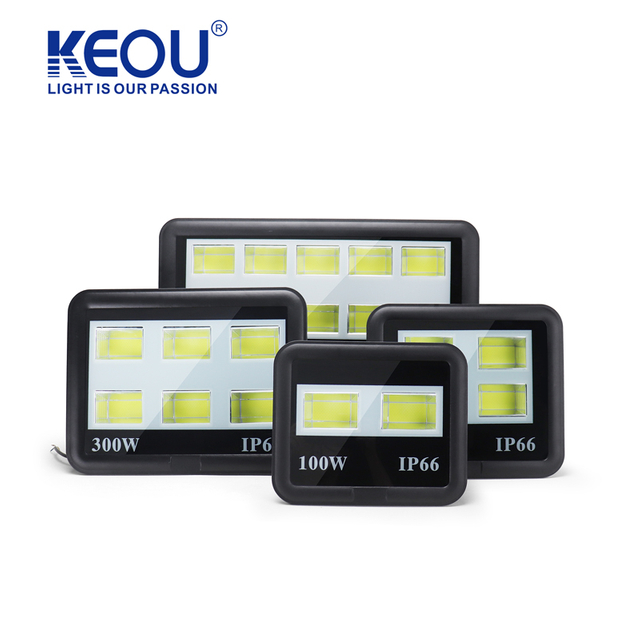
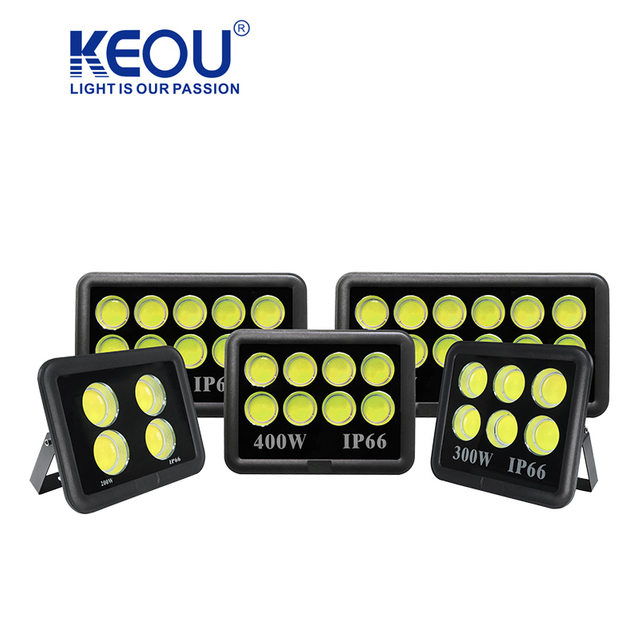
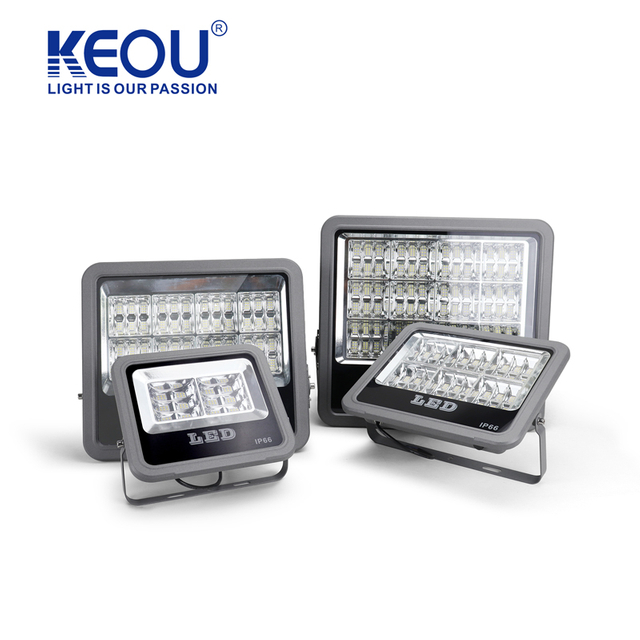
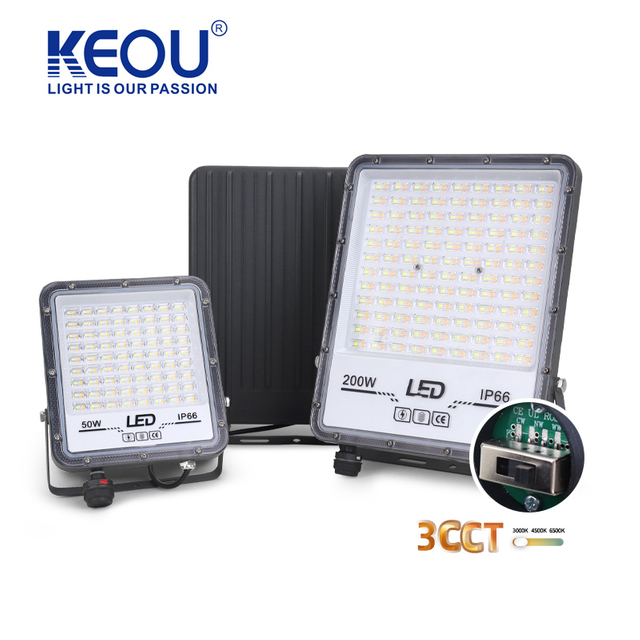
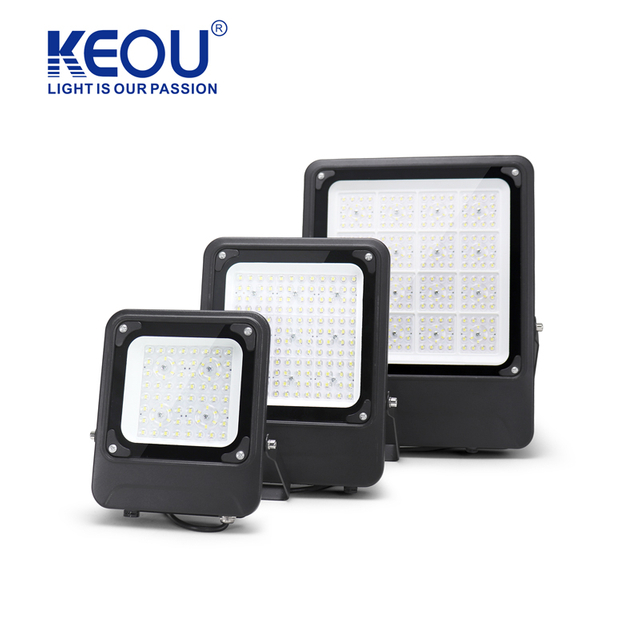
KEOU Lighting offers a full series of flood lights (COB/SMD/DOB) for commercial and outdoor scenarios—see the KEOU LED flood light series (COB/SMD/DOB) hub for the range.
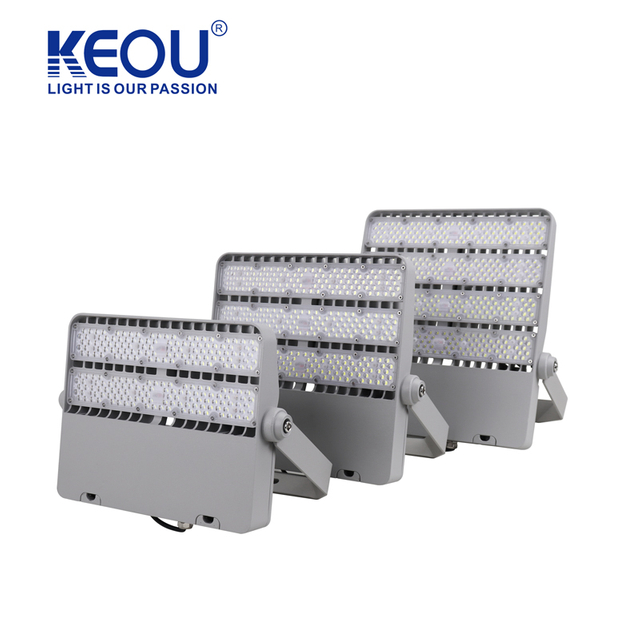
For stadium-scale wattages, KEOU also lists IP66 stadium flood lights (100W–1000W), which can be a starting point for sampling and spec alignment.
(Selection still depends on your field layout, mounting height, optics, and camera requirements.)
If you already have a BOM or target lux levels, send it over and ask us to match optics + wattage and prepare a flicker verification plan for your camera settings.
Request from KEOU Lighting:
A quote aligned to your BOM
Samples for your on-site camera test
A flicker measurement report format (percent flicker + operating points)
Start here: outdoor LED flood lights for large-area illumination or contact our team through the product hub.