Author: Huang Publish Time: 18-03-2026 Origin: Site


A procurement friendly walk‑through of how a Zigbee lighting dimming system works, the parts you need, a safe deployment workflow, and where it fits across common spaces.
A Zigbee lighting dimming system uses a low power wireless mesh to control on off, dimming, color and scenes across many fixtures. In a Zigbee 3.0 network there is one coordinator that forms the network, many mains powered devices that act as routers relaying messages, and battery sensors or switches that join as end devices. Mesh routing extends coverage as messages can hop through multiple routers. For a plain language primer on roles and routing see the overview by Digi in What is Zigbee and the NXP guide to ZigBee PRO architecture which detail coordinators, routers, and end devices along with how routes are created and repaired over time Digi Zigbee overview, NXP ZigBee PRO architecture.
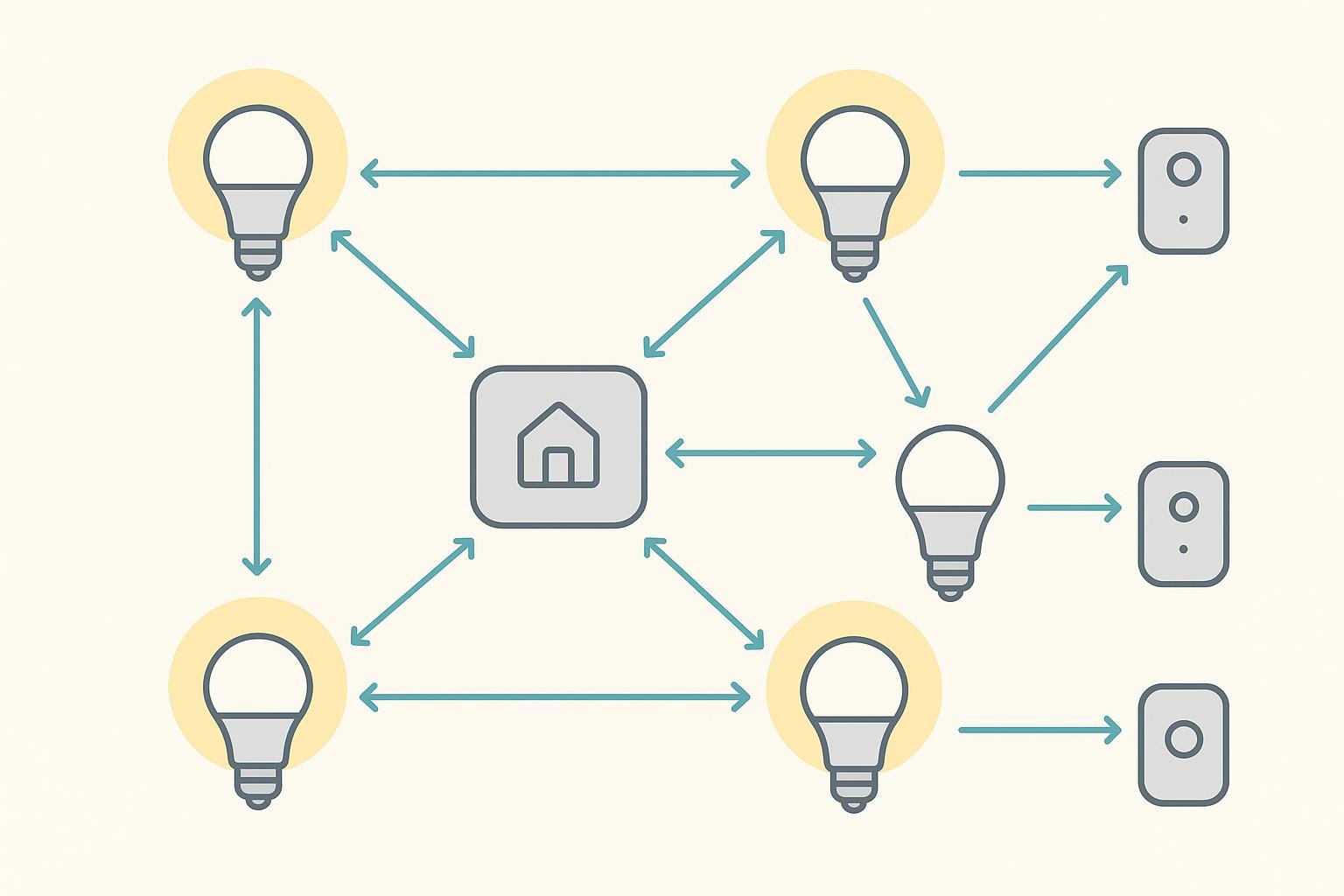
In commercial lighting, groups and scenes matter. Groups let you address many luminaires at once, and scenes store preset levels or colors that you can recall instantly for open hours, cleaning, or presentations. Granite River Labs provides a helpful view of how Zigbee networks organize and route messages across nodes so these group commands reach all intended devices reliably GRL topology explainer.
Coordinator and gateway: One coordinator starts the Zigbee network. Gateways often host the app or portal where you commission devices, create groups, set schedules, and export backups.
Mains powered luminaires or dedicated repeaters as routers: Ceiling panels, downlights, and high bays powered from the mains usually act as routers to relay traffic. This is the backbone of a stable mesh.
Zigbee LED drivers or controllers plus inputs: Choose drivers or controllers that expose on off and level control. Add wall switches, occupancy or daylight sensors, and scene keypads as needed.
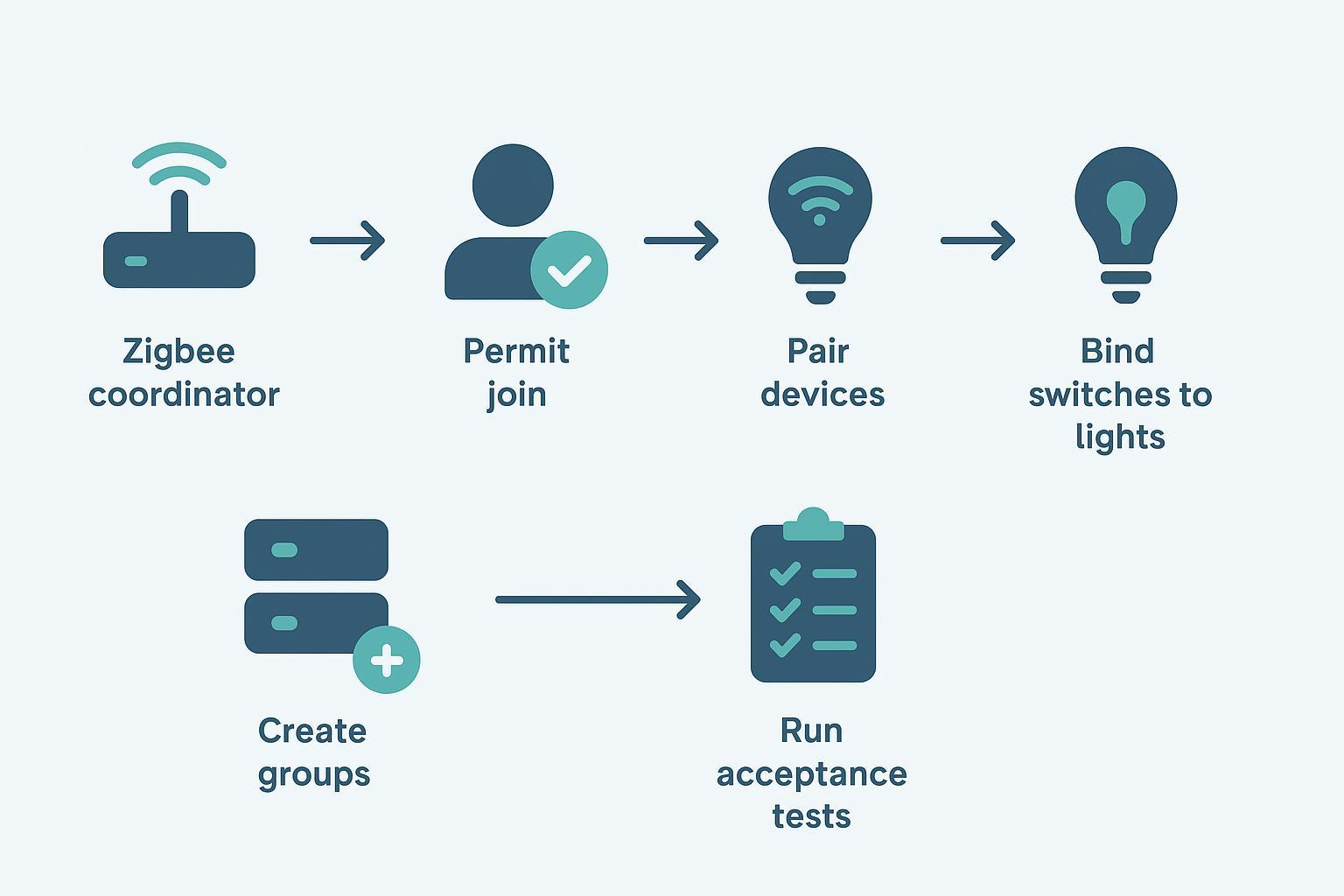
Walk the space and note grid layouts, wall materials, and likely interference sources. Procure the gateway, Zigbee drivers or controllers, and sensors, labeling boxes by zone and agreeing on a simple naming scheme. During installation and commissioning, power the coordinator, open a short join window, pair devices, bind switches to lights, create groups, and program scenes—then save a backup. For ongoing maintenance, review logs, test scenes after any change, apply firmware updates during maintenance windows, and restrict who can permit joining.
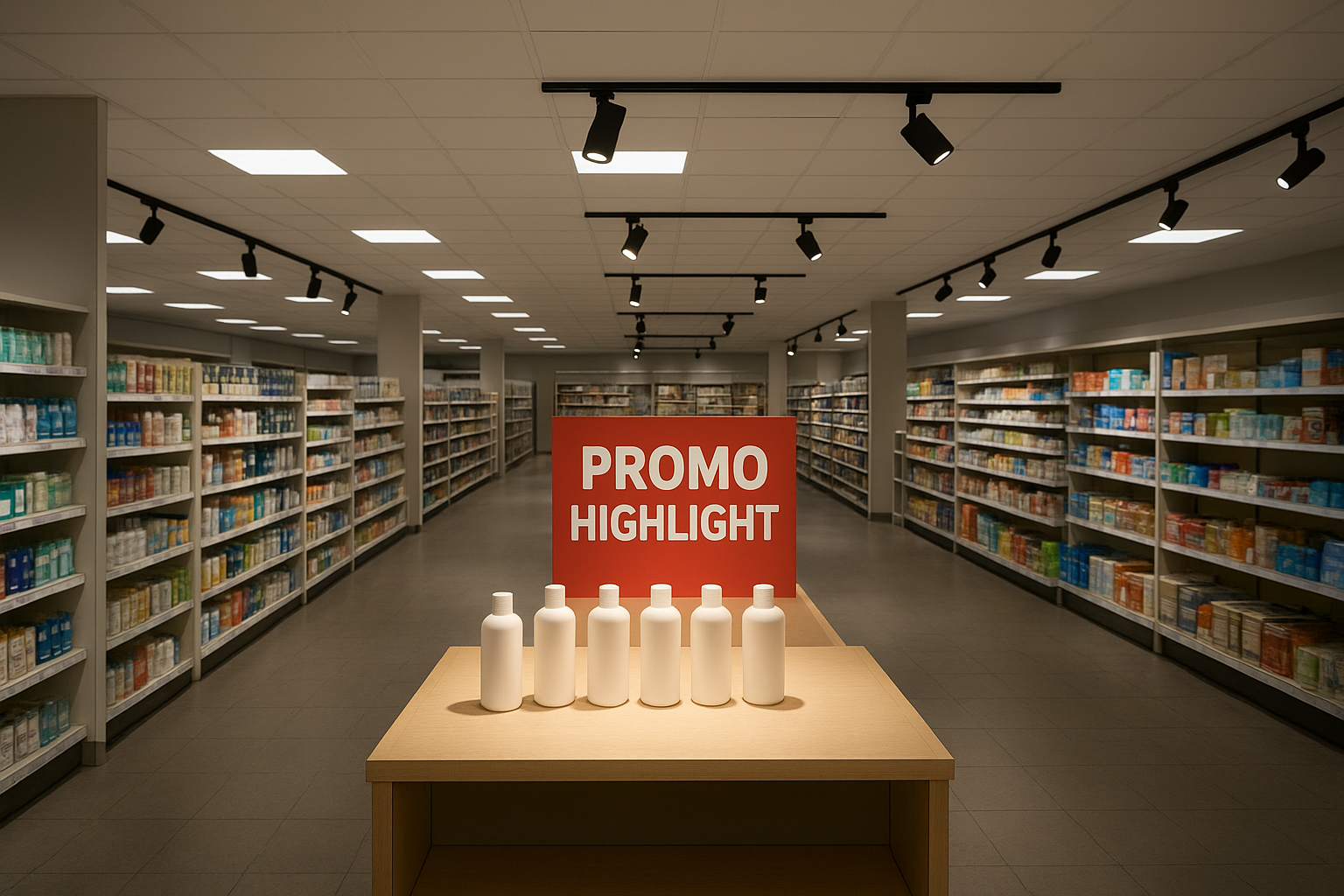
Think in layers—general ambient light, accent light, and seasonal displays—then map each layer to Zigbee groups and scenes. Panel lights or linear fixtures usually become the “always-on” ambient group for aisles and front-of-house, while track heads and downlights often sit in smaller groups for endcaps, feature tables, or window displays.
Scenes should match store operations and staff habits. A simple set is open, mid-day browsing, promo highlight, and close, with a manager-only scene for “all on, full output” during emergencies or inventory counts.
If you use tunable white, keep the store’s visual identity consistent by tying a “daytime” scene to a cooler CCT and an “evening” scene to a warmer CCT across panels, linears, and accents. If you use RGB for branding moments, isolate it in an accent group (window strips, feature-wall wall grazers, select track heads) so a color effect doesn’t wash out product-facing task lighting.
A commissioning detail that pays off: name groups by the store plan (Aisle-01, Front-Entrance, Cashwrap, Window-Display) and keep scene names consistent across locations so remote support and rollouts move faster. For typical ceiling grids, see the panel lights category for form factors often used in retail and offices in the KEOU catalog at the LED Panel Lights page KEOU panel lights.
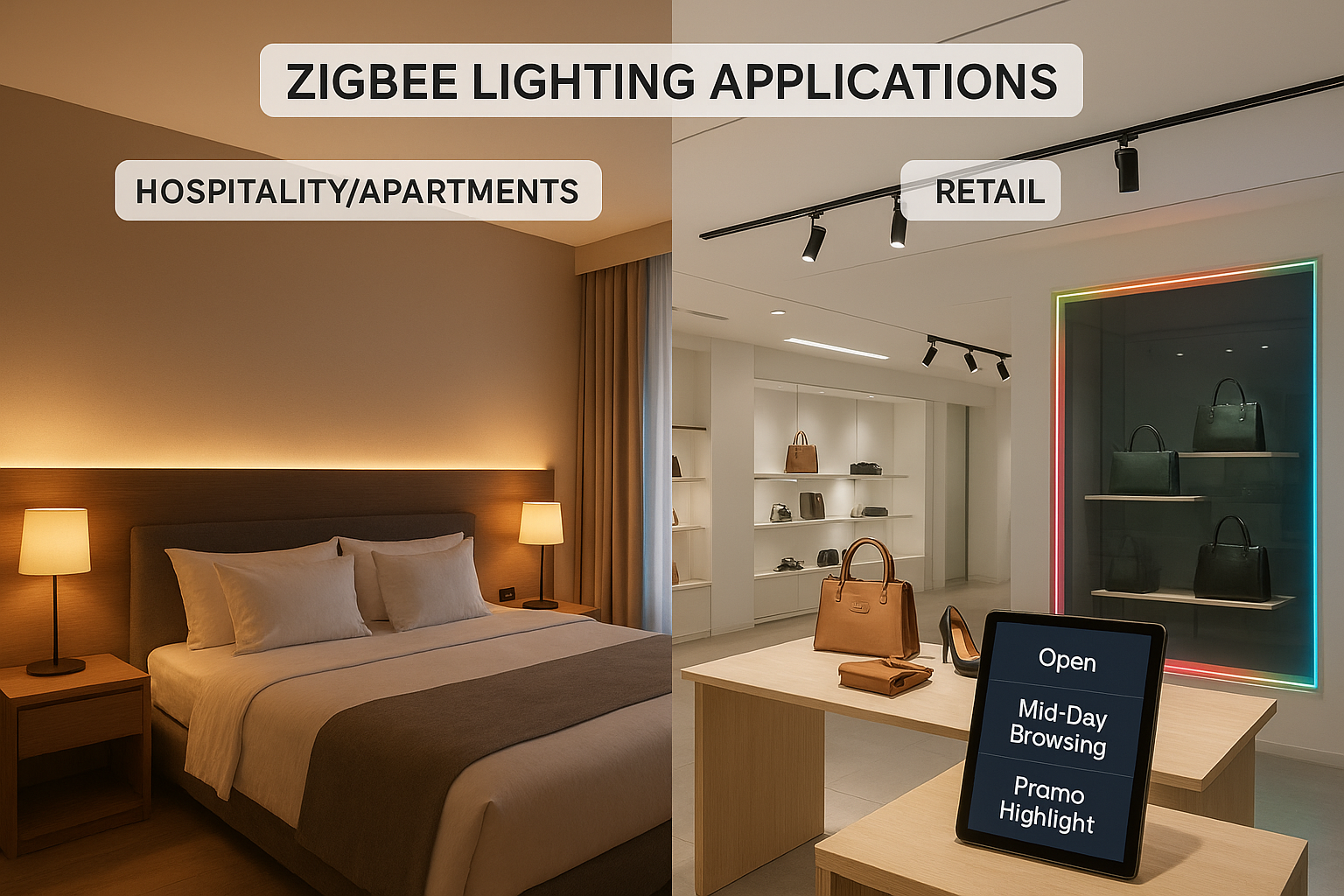
Treat each guestroom or unit as a self-contained lighting zone with a few predictable scenes, then standardize the fixture mix so commissioning is repeatable. Downlights and linear coves are common for ambient and indirect light; strips are often used for toe-kick or headboard accents; and a few track or adjustable downlights can handle artwork or feature walls.
Zigbee groups keep the controls simple for guests and staff: one group for ambient, one for bedside, one for bathroom, and optionally one for balcony or entry. Scenes handle the experience—welcome, relax, reading, night, and housekeeping—so operations teams can align lighting behavior with room status.
Tunable white is a good fit because you can deliver a warmer feel at night without changing fixture SKUs or mixing lamp types. RGB is typically better suited to shared areas (lobby, lounge, pool deck) or a small number of “signature” suites, because it adds commissioning and maintenance overhead if it’s everywhere.
When you bind wall controls, keep “must work” functions (bedside on/off, bathroom nightlight) on direct bindings. That way, the room still behaves sensibly even if the gateway is offline or temporarily being updated.
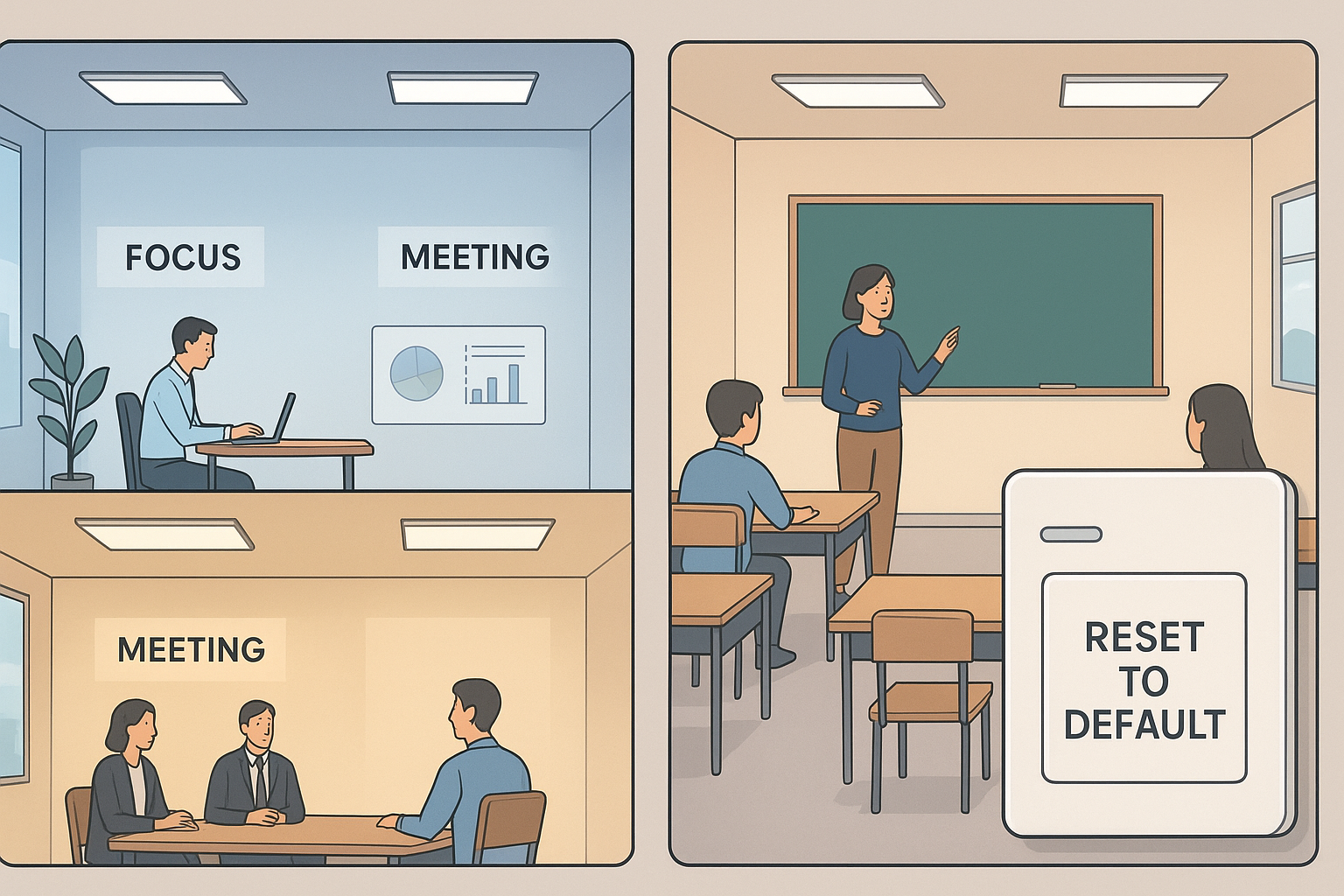
Start with the activities that change lighting needs: focus work, meetings, presentations, and cleaning. Panel lights and linear fixtures typically provide the core ambient layer, with downlights used for corridors, receptions, labs, or smaller rooms.
Build groups by room (Conference-201) or by a logical slice of open office (Pod-A, Pod-B). Then create scenes employees can recall without thinking: focus, meeting, presentation, after-hours, and cleaning. If the building has many repeating rooms, consistent templates reduce commissioning time and make troubleshooting less dependent on individual installers.
If you deploy tunable white, keep it intentionally boring: a daytime scene and an afternoon scene is usually enough, and applying it consistently across panels and linears prevents the “patchwork ceiling” look. RGB can be helpful in multipurpose spaces (town halls, student commons, brand events), but it’s best isolated to those areas so classrooms and exam rooms stay consistent and predictable.
For schools in particular, plan for turnover. Standard room naming, predictable scene sets, and a documented “reset to default” procedure make maintenance faster between terms.
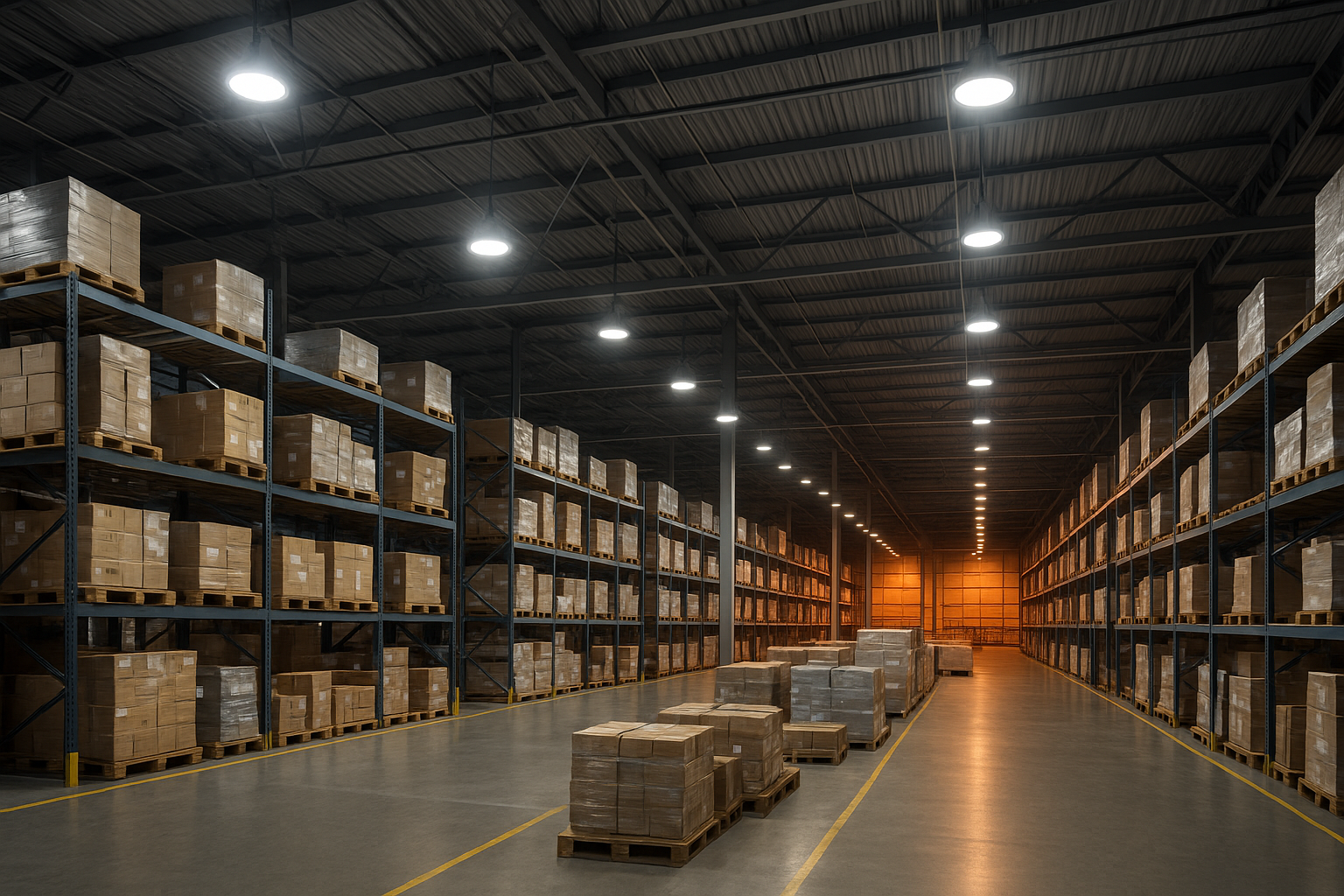
Reliability comes from router density and clear zoning, because high bays are far apart and racking can block signal paths. High bay fixtures are the main workhorses and, when powered continuously, they typically act as strong mesh routers, improving coverage for nearby end devices.
Use groups that match how people move and how safety is managed: pick aisles, packing stations, loading bays, maintenance areas, and perimeter paths. Scenes are less about mood and more about clarity: normal operation, inventory count, cleaning, and a reduced-output scene for low-traffic hours.
Tunable white can support visual tasks like inspection and label reading, but avoid too many presets; changes should be tied to real operational triggers, not constant cycling. RGB is usually limited to signaling or indicator fixtures (for example, a visual alert in a specific zone) rather than general illumination.
Don’t forget the “edge” fixtures. Flood fixtures at dock areas and wall packs around entrances are often scheduled differently than interior lighting, so keep them in separate groups. Commissioning stays manageable when you label fixtures by bay/row, verify group response per aisle, then lock joining down after acceptance.
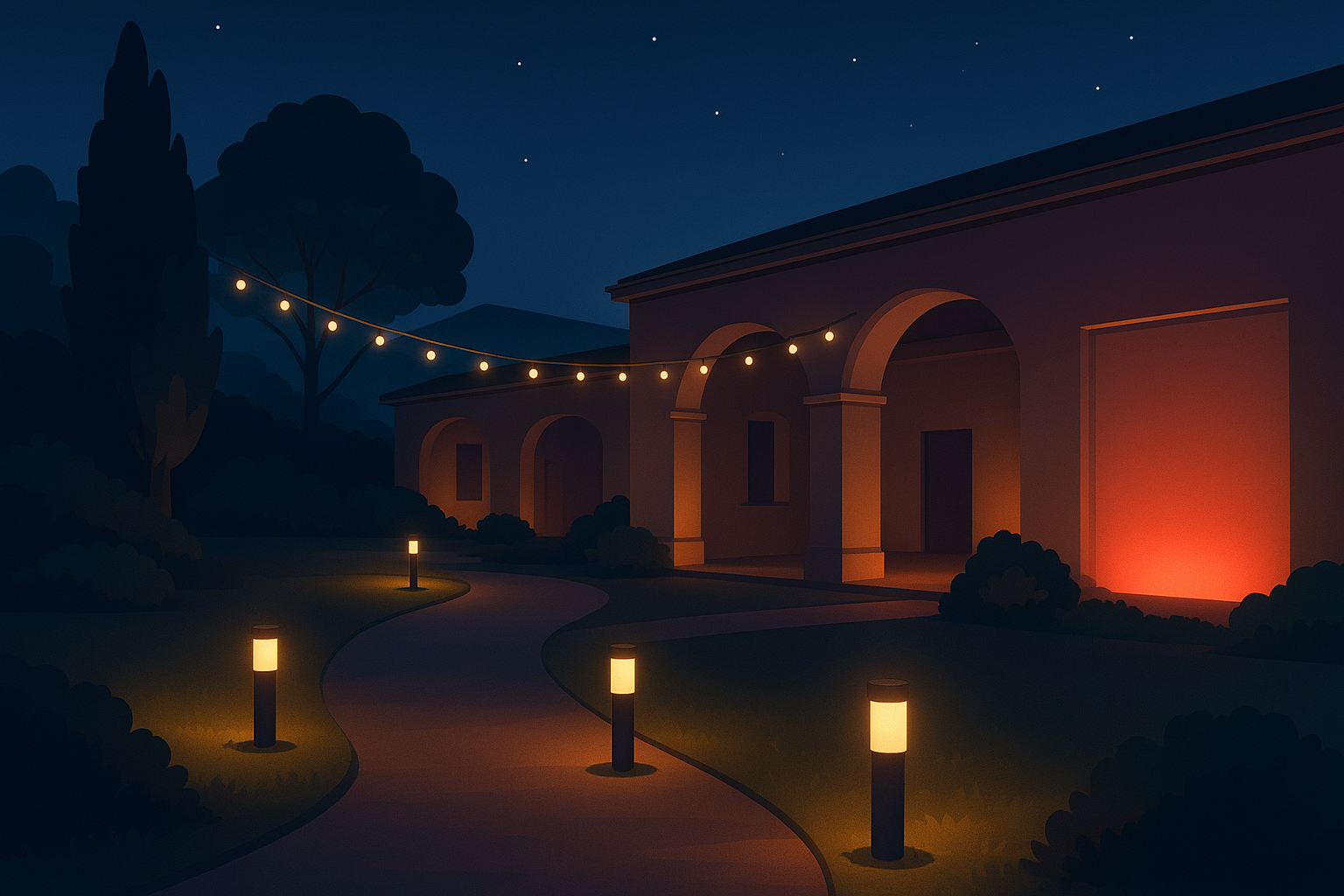
Outdoor Zigbee designs work best when you group by pathways and features, then select fixtures that match those jobs. Pathway lights and low-level bollards often become one group per route so you can run gentle scenes at dusk and lower output later at night.
Flood lights and wall packs typically serve façades, entries, and security perimeters. Treat them as separate groups with their own schedules so a late-night courtyard scene doesn’t dim a critical entry. Strips are common for steps, handrails, and architectural lines; they’re also where RGB effects make the most sense (holiday themes, event colors) because you can localize the effect and revert to a neutral scene quickly.
Tunable white is useful when you want a warmer look for hospitality courtyards but still need a brighter, cooler scene for cleaning or maintenance. The main planning risk outdoors is spacing: long, single-file paths can create dead zones. Try to keep overlapping radio coverage between adjacent areas and place routers intentionally so the mesh has more than one viable route.
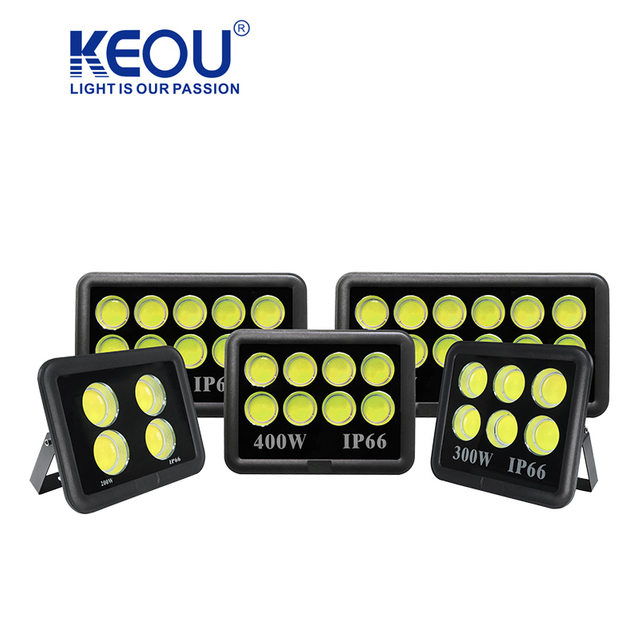
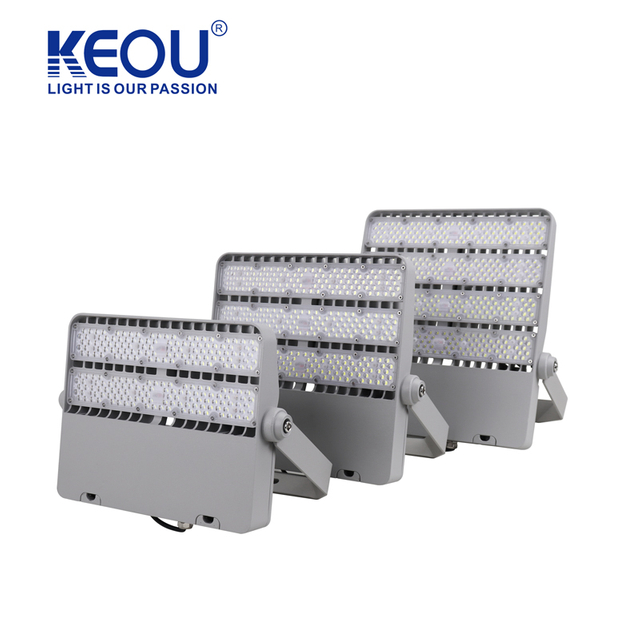
Neutral brand example: Dimmable panels and high bays from manufacturers like KEOU Lighting can be paired with Zigbee drivers when specified by the project.
Table below shows quick pass or fail checks you can run per zone on day one.
| Test item | How to verify | Pass criteria |
Join and naming | Pair ten devices and confirm readable names in the app | All devices appear with correct zone names |
Group control | Send a group dim command to the zone | All fixtures respond together without visible lag |
Scene recall | Save a scene then recall it twice | Levels match the saved scene both times |
Sensor trigger | Walk test occupancy in a live aisle or room | Lights turn on and later return to baseline dim |
Backup and export | Create a backup and download it | Backup file saved to project folder |
One minute checks
Coordinator and gateway are on stable power with join disabled when not commissioning
At least one mains powered router within line of sight or a short corridor hop for each zone
A fresh backup exists after every programming session
Scale and hops: Zigbee PRO supports multi hop routing with designs often keeping common paths to a small number of hops by using many mains powered routers. Commercial lighting deployments commonly reach into the low hundreds of nodes per coordinator depending on traffic and gateway capacity NXP PRO architecture reference.
Channels and coexistence: Zigbee uses 2.4 GHz channels 11 through 26. A practical first step is to scan the site and prefer channels that are less busy near your Wi Fi access points. Granite River Labs describes how devices discover and join the right network and how routing adapts when links change so you can plan with confidence in busy buildings GRL topology explainer.
Security basics: Zigbee 3.0 uses AES 128 with network and link keys. Modern stacks support install code based joining and refreshed trust center link keys after devices join. Silicon Labs notes additional protections in recent PRO releases which further strengthen commissioning and key handling. In practice use unique install codes, narrow join windows, and change default gateway credentials Silicon Labs Zigbee security overview.
Range expectations: Many vendor modules indicate typical indoor per hop distances around dozens of meters. Designs that place routers at regular intervals help keep user facing commands responsive even as the project grows Digi overview on Zigbee fundamentals.
Pilot in one representative zone per application type. Plan ten to twenty nodes, run the acceptance table, and document router spacing and channels before you scale.
For ceiling grid projects evaluating fixture families and sizes, you can review a concise buyer guide on how to choose panel lights with practical procurement tips at the KEOU site in the panel light selection guide KEOU guide to selecting LED panel lights.