Author: Huang Publish Time: 24-02-2026 Origin: Site


 1.0 Introduction — Why 2026 Is the Right Time to Choose
This guide compares the leading smart home lighting control systems and the wireless protocols that power them—without drowning you in specs or pricing. You’ll get clear “best for” guidance, realistic trade‑offs, and setup notes that help you pick with confidence.
We evaluated platforms and protocols for household use against seven criteria (weights in parentheses):
Interoperability & ecosystem breadth (22%)
Reliability & local control (18%)
Setup & everyday usability (16%)
Lighting performance & dimming quality (15%)
Retrofit friendliness & fixture compatibility (13%)
Scalability for small‑to‑large homes (9%)
Support, documentation, and longevity (7%)
Sources and verification: We prioritized official documentation and reputable technical explainers (linked where most helpful). Light pricing context appears only as general notes and is “subject to change.”
Disclosure: KEOU Lighting is our company. We evaluated it using the same criteria as other options and included it only where it adds clear value to readers.
SEO note: We use the phrase “smart home lighting control systems” where natural to help you (and search engines) find the most relevant comparisons.
Small apartments or renters: Wi‑Fi bulbs or Matter‑over‑Wi‑Fi lights for a hub‑free start; add a Thread‑capable controller later if you expand.
Large, multi‑floor homes: Zigbee or Z‑Wave with a reliable hub, or Matter over Thread with good border‑router coverage.
Minimalists and voice‑first users: Alexa or Google Home with Matter lights; add vendor bridges only when you need advanced effects.
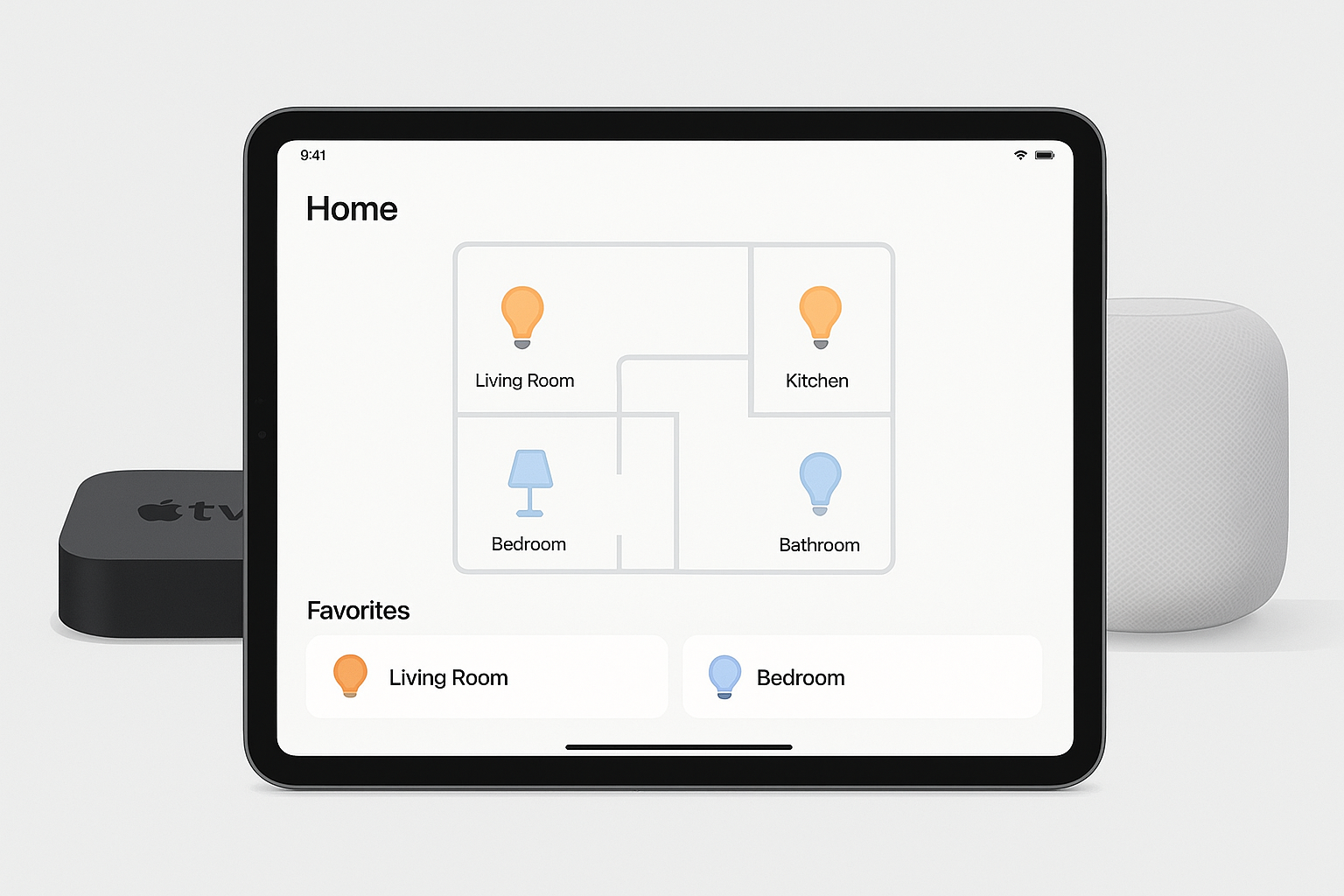
Positioning: A privacy‑minded home app with robust automations for HomeKit and Matter lights; full features require a home hub.
Best for: iPhone/iPad households wanting native automations and reliable remote access.
Strengths: Tight iOS integration, Matter support, clean automations. Trade‑offs: A home hub is needed for automations/remote; Thread devices need a Thread‑capable hub/border router.
▍Setup note: Check if you already own a HomePod or Apple TV 4K to act as your hub and Thread border router. Evidence: See Apple’s guidance on hubs and Thread requirements in Apple Support’s official articles: Apple’s home hub and Thread requirements.
Positioning: A flexible controller for Matter lighting with Thread support when a compatible Nest/Google device is present.
Best for: Android/Google users who want Matter lights and responsive Thread meshes.
Strengths: Clear device‑type support for Matter, multiple devices that can act as Thread border routers. Trade‑offs: Some advanced effects may still live in vendor apps.
▍Setup note: Verify your Nest Hub 2nd gen, Nest Hub Max, Nest Wifi Pro, or Google TV 4K can serve as a Thread border router. Evidence: Google’s official list of border‑router devices: Google’s Thread border router devices.
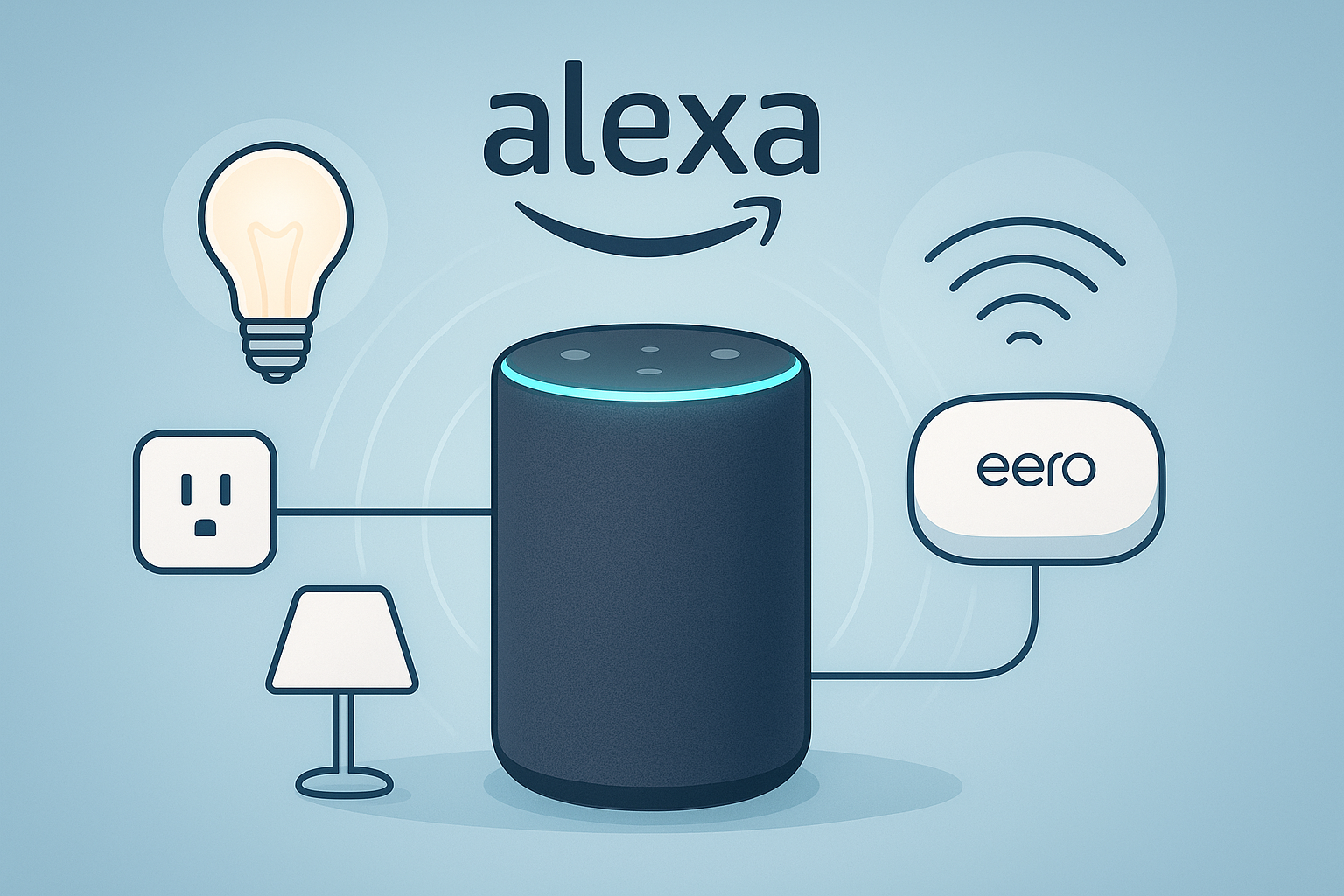
Positioning: Voice‑first control that now handles many Matter lights directly via compatible Echo or eero devices—often without extra bridges.
Best for: Simple voice routines and hub‑light setups that grow over time.
Strengths: Broad Matter support, low‑latency control paths, straightforward onboarding. Trade‑offs: Non‑Matter lights may still need vendor skills or bridges; support varies by Echo model.
▍Setup note: Ensure your Echo/eero firmware supports the current Matter release. Evidence: Amazon’s developer overview of Matter support: Alexa’s Matter support overview.
Positioning: A unifying app for Matter plus legacy Zigbee and Z‑Wave, with local Edge drivers on compatible hubs.
Best for: Homes mixing bulbs, switches, and sensors across multiple protocols.
Strengths: Local execution for Zigbee/Z‑Wave via Edge; wide device coverage. Trade‑offs: Protocol support depends on hub generation; verify capabilities.
▍Setup note: Look for a SmartThings or Aeotec hub with Edge drivers if you want robust Zigbee/Z‑Wave plus Matter. Evidence: SmartThings developer documentation for hub‑connected devices: SmartThings hub‑connected architecture.
▍Tip (mid‑list): Want to sanity‑check choices quickly? Jump to section 5.0 for the compact comparison table.
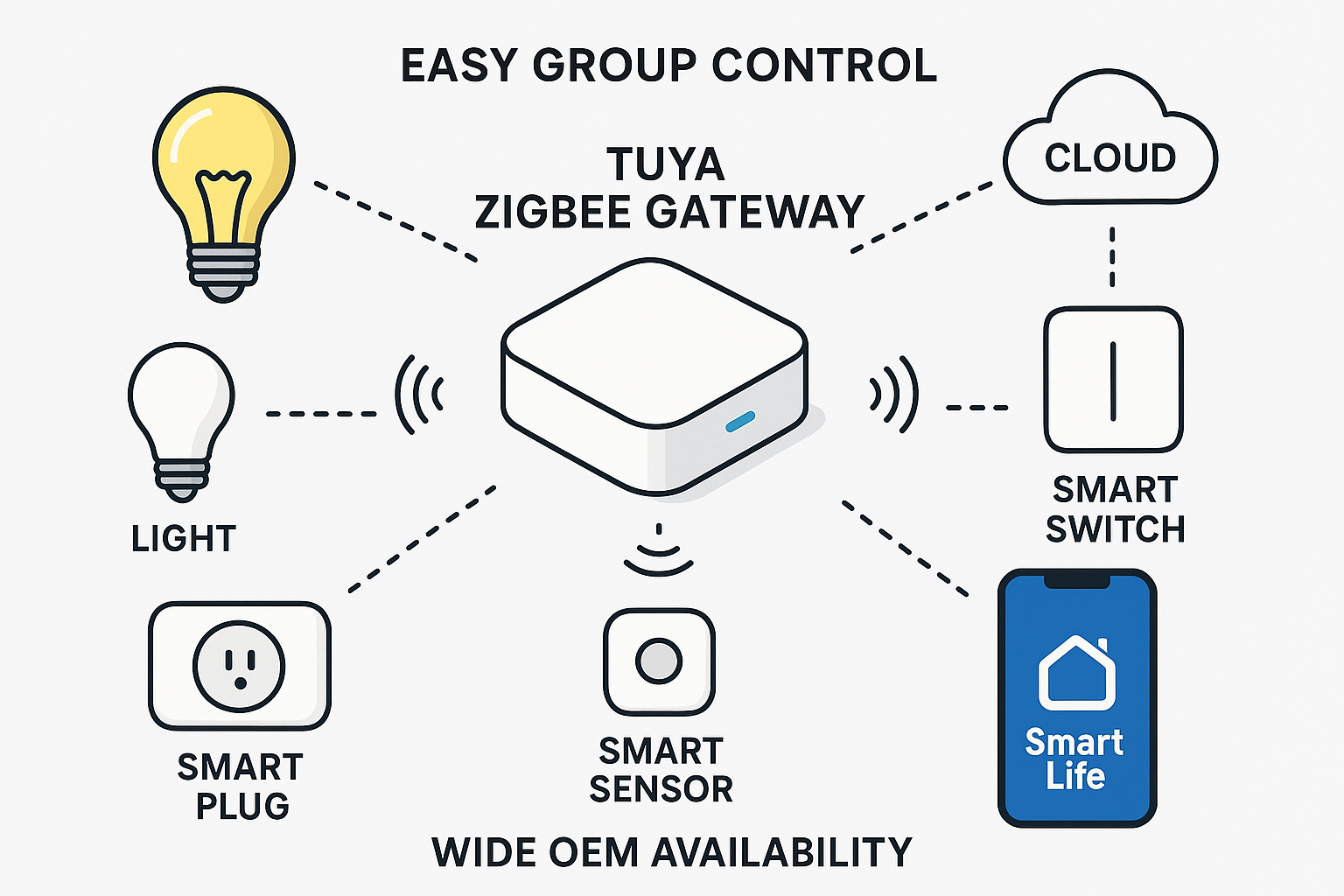
Positioning: An open platform powering many partner brands, typically via a Zigbee gateway and growing Matter integrations.
Best for: Budget‑to‑midrange setups and broad device variety under the Smart Life app.
Strengths: Wide OEM availability, easy group control, solid gateway options. Trade‑offs: Experience and update cadence vary by partner brand; local control depends on product line.
▍Setup note: If you have many rooms, prefer a Tuya Zigbee gateway over only Wi‑Fi bulbs for stability. Evidence: Tuya’s developer page on Zigbee Wi‑Fi gateways explains sub‑device management and local/cloud scenes: Tuya Zigbee gateway solution.
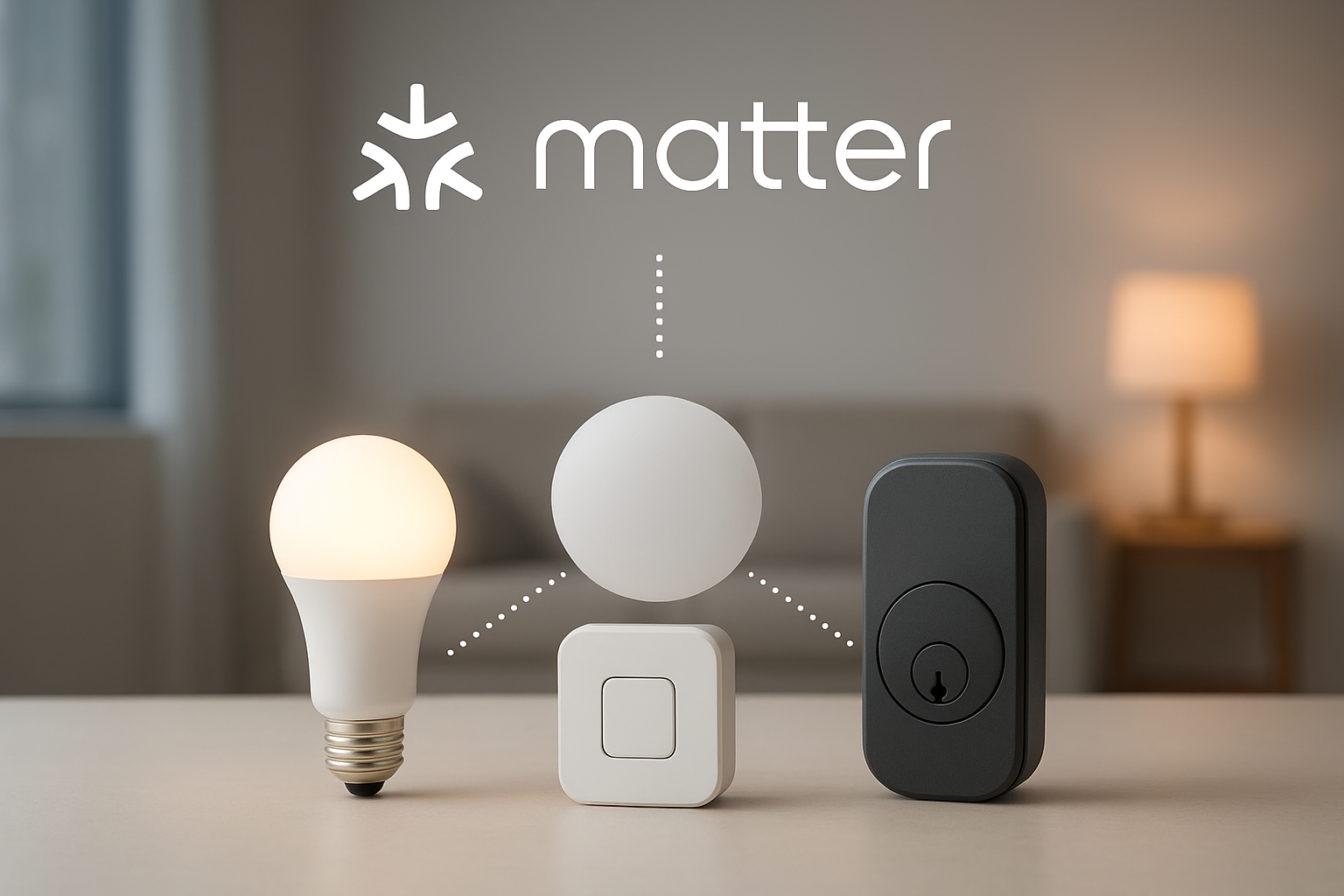
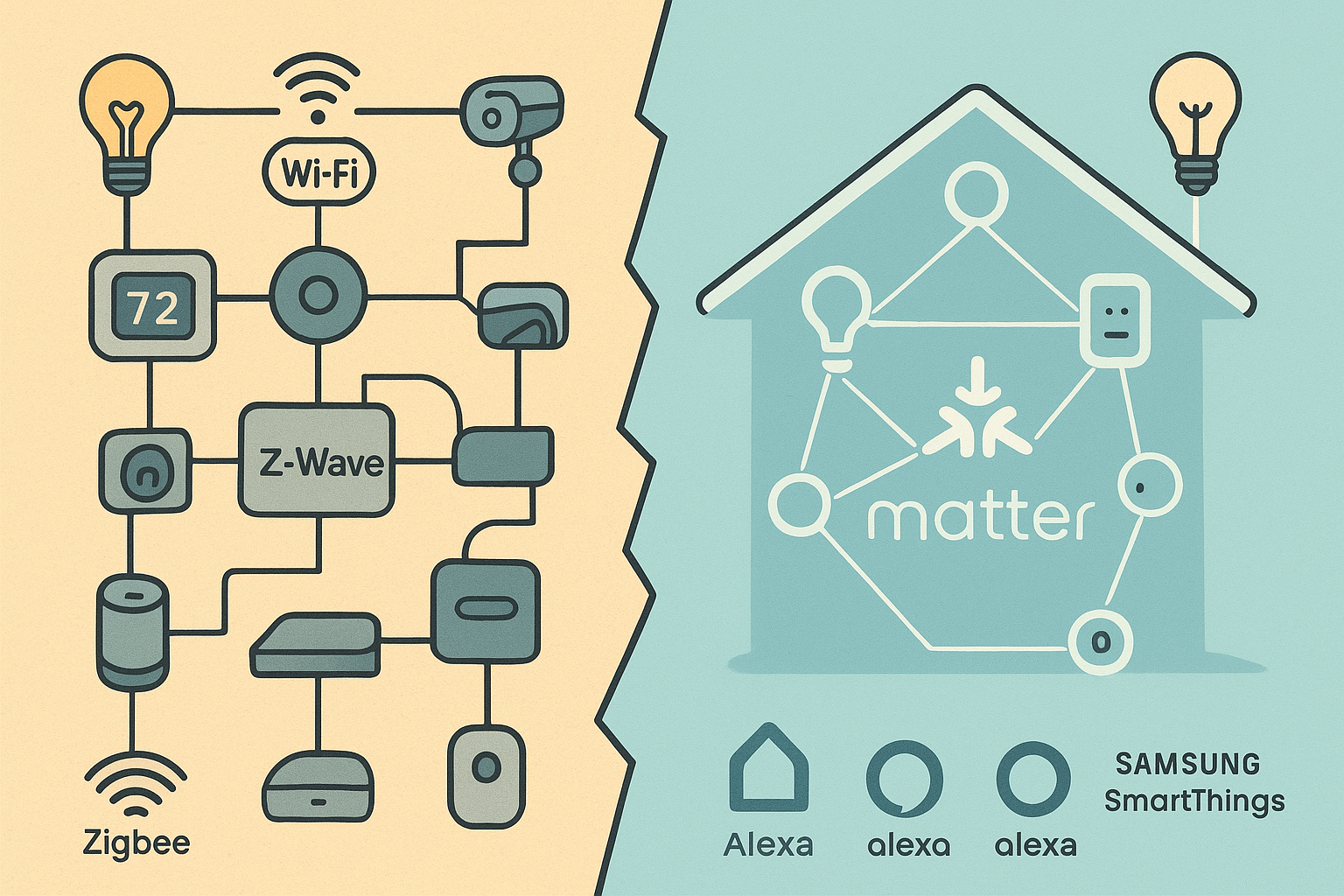
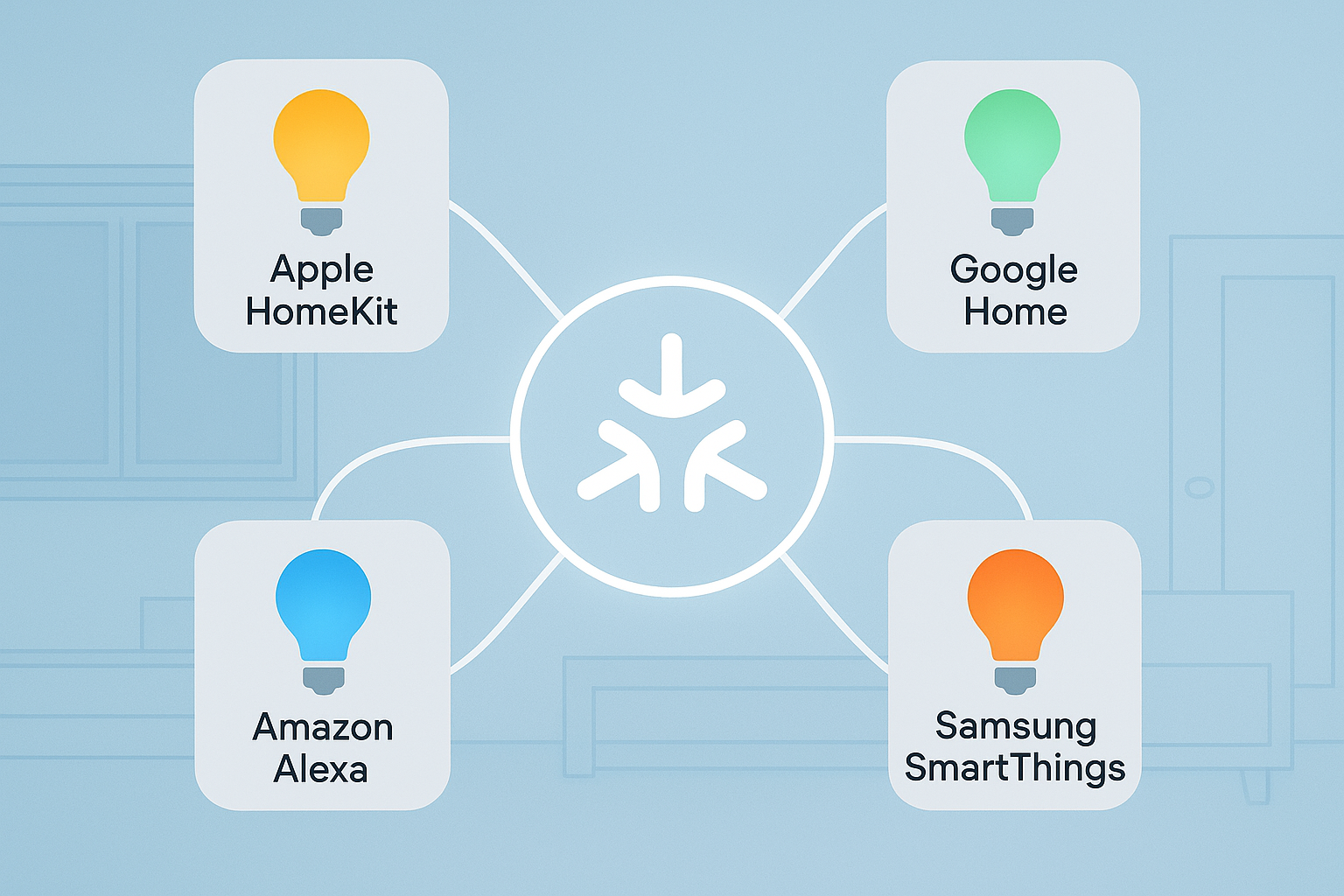
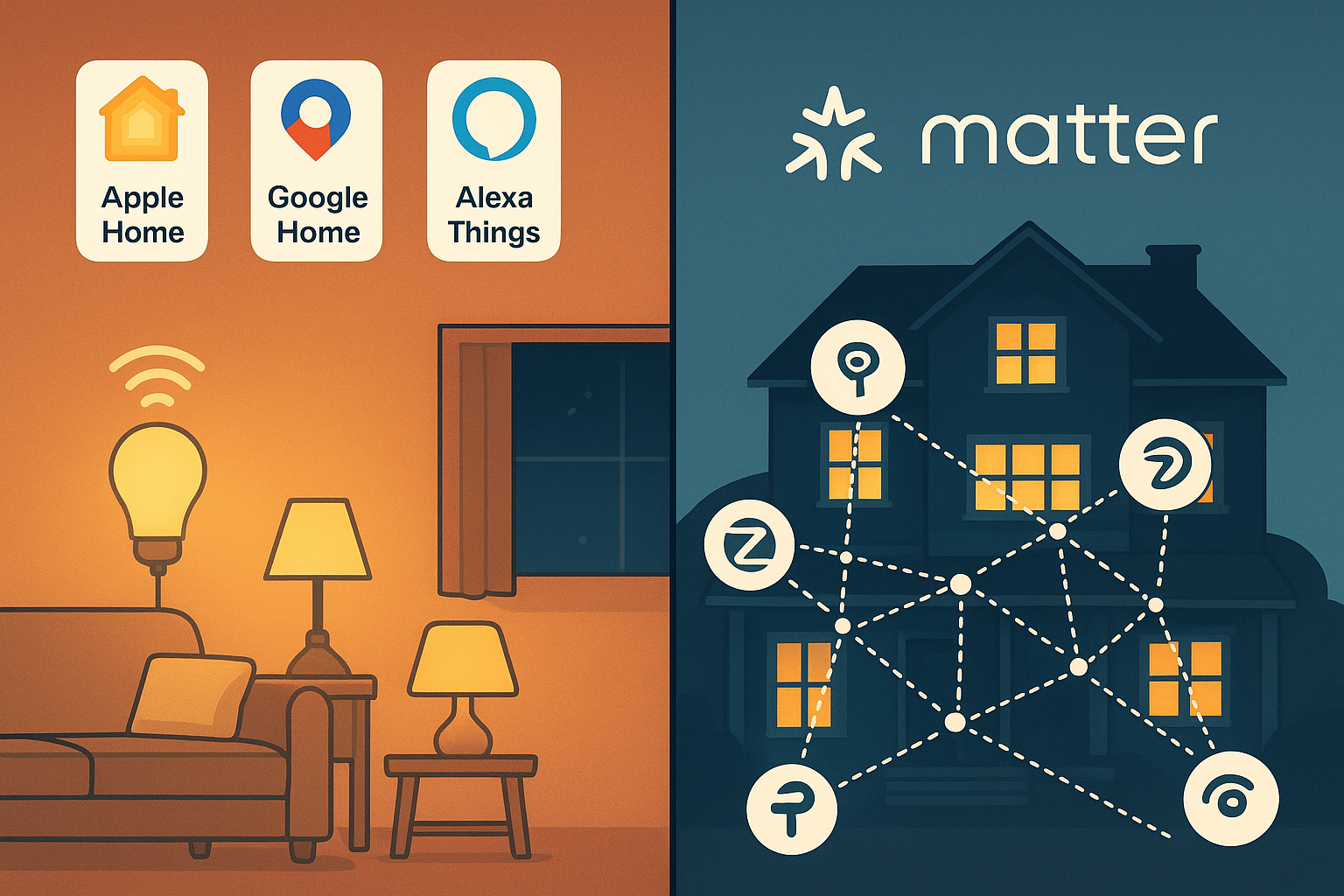
Positioning: A cross‑ecosystem standard for lights, switches, and bridges over Thread and Wi‑Fi—so your devices can work across Apple, Google, Alexa, and more.
Best for: Future‑proofing and multi‑assistant homes.
Strengths: Multi‑admin sharing, improving lighting features with each release; flexible transport (Thread for low‑power mesh, Wi‑Fi for mains devices). Trade‑offs: Features roll out progressively; some products still need bridges for advanced effects.
▍Setup note: Choose at least one controller (e.g., Apple Home, Google Home, Alexa) and ensure you have a Thread border router if you buy Thread‑based lights. Evidence: Connectivity Standards Alliance overview of the current release: CSA: Matter 1.4 highlights.
Positioning: A resilient, self‑healing mesh ideal for responsive lighting and sensors; it underpins many Matter devices.
Best for: Homes wanting reliable, quick‑responding scenes with battery‑friendly devices.
Strengths: Mesh grows stronger as you add routers, low latency, multiple border routers can coexist. Trade‑offs: Requires border‑router coverage; placement still matters.
▍Setup note: Spread Thread border routers (e.g., Nest Wifi Pro, HomePod mini, compatible TVs/routers) across floors for coverage. Evidence: Thread Group’s explainer on Thread with Matter: Thread with Matter explained.
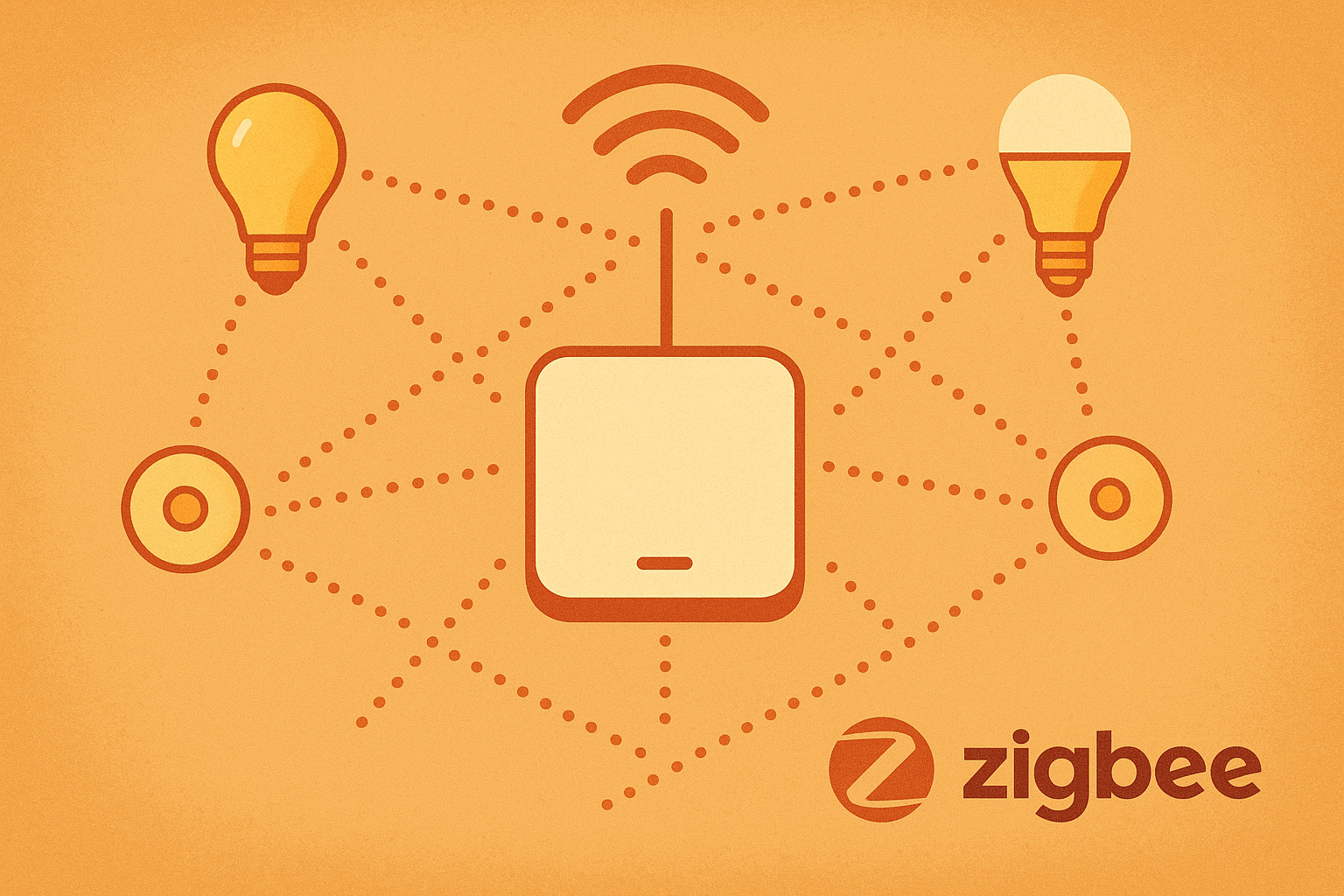
Positioning: A mature mesh used by popular ecosystems (e.g., Hue bridges) with options like battery‑free Green Power switches.
Best for: Stable, scalable whole‑home lighting with bridges that can expose lights to Matter ecosystems.
Strengths: Robust mesh separate from Wi‑Fi, energy‑harvesting Green Power. Trade‑offs: Full voice/app features typically require a hub/bridge; cross‑brand interop often goes through bridges.
▍Setup note: If you like Philips Hue effects, keep the Hue Bridge for best features, even if Matter exposes your lights to other apps.
Positioning: Sub‑GHz lighting control with excellent range; Z‑Wave Long Range (ZWLR) extends links for large homes and outdoor zones.
Best for: Multi‑floor homes or yard lighting where 2.4 GHz congestion is a problem.
Strengths: Strong local control, long‑range options, mature in‑wall dimmers/switches. Trade‑offs: Requires a compatible Z‑Wave/ZWLR hub; retail shelf presence is smaller than Wi‑Fi/Matter.
▍Setup note: Confirm your hub supports classic Z‑Wave and ZWLR if you plan to mix device types. Evidence: Z‑Wave Alliance’s overview of ZWLR capabilities: Z‑Wave Long Range overview.
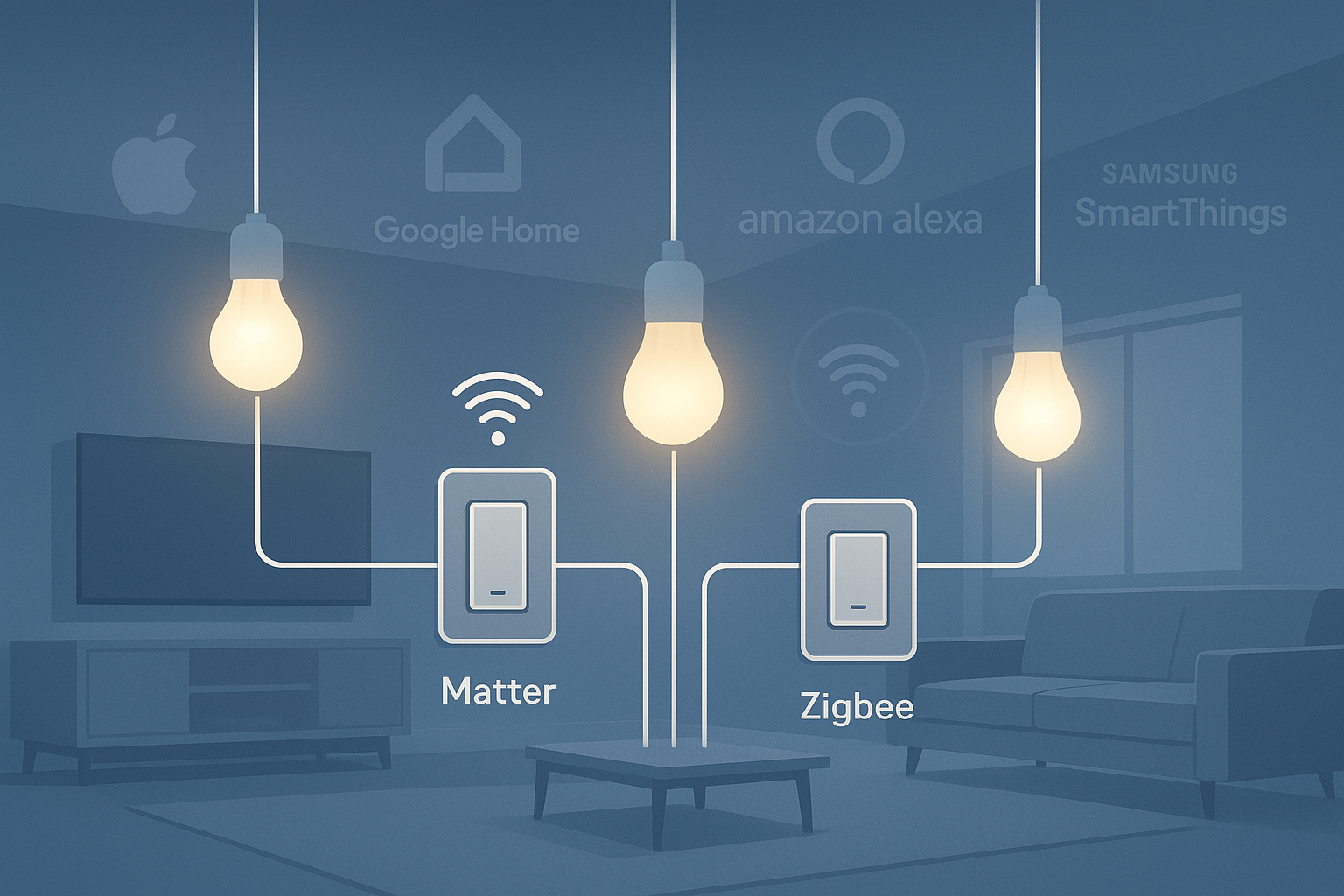
Positioning: The easiest on‑ramp—no extra hub—great for renters and small homes.
Best for: A few rooms, quick wins, and low upfront cost.
Strengths: Hub‑free setup, wide app/voice support, ubiquitous availability. Trade‑offs: Can congest routers as device counts grow; premium color/brightness features vary.
▍Setup note: If you outgrow Wi‑Fi bulbs, migrate room‑by‑room to Matter over Thread or add a Zigbee/Z‑Wave hub for stability.
Positioning: A flexible mesh with lighting models (on/off, dimming, color, scenes) that can suit residential retrofits, often app‑driven.
Best for: Fixtures retrofits where minimal wiring and low energy use matter.
Strengths: Decentralized mesh, standardized lighting behaviors, good efficiency. Trade‑offs: Voice assistant support may require vendor bridges; dense networks need careful provisioning.
▍Setup note: Choose vendors that document provisioning tools and, if needed, voice‑assistant bridges.
Ecosystem/Protocol | Requires hub/bridge | Works with (Apple/Google/Alexa/SmartThings) | Best for | Key trade‑off |
Apple Home | Home hub for automations; Thread BR for Thread | Apple; via Matter also others | iOS households | Needs hub for full features |
Google Home | Nest/Google device for Matter hub + Thread BR | Google; via Matter also others | Android/Google homes | Some effects remain in vendor apps |
Alexa | Echo/eero as Matter controller | Alexa; via Matter also others | Voice‑first setups | Non‑Matter may need bridges |
SmartThings | Hub for Zigbee/Z‑Wave; Matter over Wi‑Fi may work hubless | Cross‑ecosystem via Matter; native Zigbee/Z‑Wave | Mixed‑protocol homes | Varies by hub model |
Tuya | Typically a Zigbee gateway; Matter varies | Assistants via partner brands | Budget to mid, broad device mix | Experience varies by OEM |
Matter | Controller; Thread BR for Thread | Multi‑admin across major apps | Future‑proof interop | Features roll out over time |
Thread | Thread Border Router | Across Matter ecosystems | Responsive scenes, sensors | Needs BR planning |
Zigbee | Usually a bridge/hub for full app/voice | Via bridges/Matter exposure | Stable meshes | Cross‑brand via bridges |
Z‑Wave | Z‑Wave/ZWLR hub | Via compatible hubs | Large/multi‑floor homes | Smaller retail footprint |
Wi‑Fi bulbs | No hub | Most assistants/apps | Renters, small homes | Congestion at scale |
BLE Mesh | Often vendor app/bridge | Varies by vendor | Low‑wiring retrofits | Assistant bridges vary |
Small Apartment, No Gateway Required: Install two Wi-Fi or Matter over Wi-Fi bulbs in the living room/bedroom, add a smart plug to control the floor lamp, and create scenes in your favorite apps. For expansion, add a Thread border router for improved responsiveness.
Large Multi-Story Residence: Use a SmartThings or similar gateway with a Zigbee/Z-Wave dimmer to control the main circuit; add Matter bulbs for ambient lighting. Place the gateway/border router in a central location to ensure even coverage.
Outdoor Pathway + Side Yard: Consider using Z-Wave devices (with a ZWLR-enabled gateway and a dedicated outdoor switch) for long-range reliability, or Thread-based landscape lighting if the border router's coverage extends into your yard.
▍Tips: Choose according to apartment type and coverage. For small apartments, prioritize Wi-Fi/Matter. For large apartments and outdoor areas, use gateways and Thread/Z-Wave to enhance stability and coverage.
Q1:Zigbee vs Z‑Wave for homes—how do I choose?
If you want broad consumer ecosystem support and bridges (e.g., Hue), Zigbee is a safe bet. If you care about range in large or RF‑challenging homes, Z‑Wave—especially Z‑Wave Long Range—can be more forgiving. Both can integrate with Matter ecosystems via bridges or hub platforms.
Q2:Is Matter ready for all my lighting needs in 2026?
Matter covers common lighting types and continues to expand. Many homes run a hybrid: keep vendor bridges for special effects while using Matter for everyday control and voice assistants.
Q3:Will Thread help battery life and responsiveness?
Yes. Thread is designed for low‑power, low‑latency meshes. You’ll still need good border‑router placement for coverage and reliability.
Choose your controller first (Apple, Google, Alexa, SmartThings), then pick one protocol path to start (Wi‑Fi for quick wins; Thread/Zigbee/Z‑Wave for scale). Here’s a solid explainer on the current Matter release: CSA: Matter 1.4 highlights. For Thread basics and planning, see: Thread with Matter explained.
Soft CTA: Planning a custom fixture package (kitchen + living + study) that plays nicely with your chosen system? Explore dimmable, smart‑ready options and start a spec conversation here: KEOU LED Panel Light category.
—
Light pricing note: Most platforms are free at the app level; hardware and hubs vary widely by brand and features and are subject to change.
Keyword recap placement: This guide compared smart home lighting control systems and mapped them to real household scenarios so you can build a reliable, comfortable setup without overbuying.